Bring form activity into your Discord server
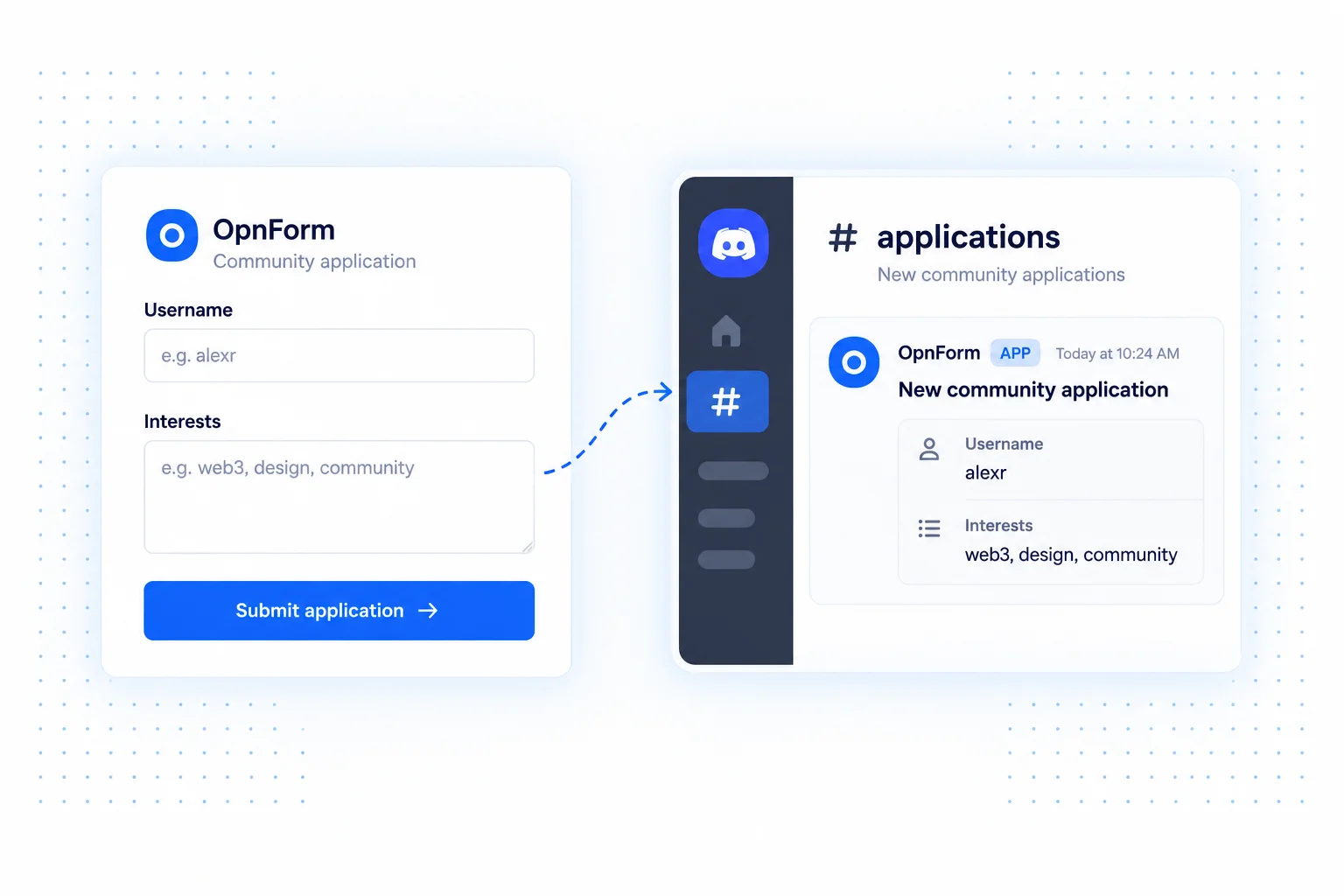
OpnForm Discord notifications turn incoming submissions into channel messages. Keep community applications, event inquiries, and feedback close to the moderators or organizers who need to review them.
The integration uses a Discord webhook URL. Set up the webhook for the right channel, then configure the message in OpnForm. You do not need to build a custom bot just to post submission notifications.
Discord integration use cases
Review community applications
Collect a username, interests, and a short introduction in your form. Notify a private moderator channel so reviewers can discuss the application and organize the next step.
Gather feedback from members
Use a public feedback form for event ideas, server suggestions, or community surveys. Send a concise summary to the team rather than asking members to post every response in a busy chat.
Coordinate event volunteers
Collect availability and preferred roles, then notify the organizing channel when someone signs up. Organizers can review the response and confirm responsibilities with the volunteer.
Set up Discord notifications
- Create a webhook in the Discord channel that should receive submissions. You need permission to manage webhooks there.
- Open your form's Integrations tab and add Discord Notification.
- Paste the URL into Discord webhook url and configure the notification's message options.
- Save, submit a sample response, and verify the notification in Discord.
Choose the right audience
Keep applications and personal details in a restricted channel. Share a summary rather than every response field, and make it clear which moderators are responsible for follow-up. Posting a notification does not approve an applicant or grant a server role.
Common questions
Can I send alerts to a private channel?
Use a webhook created for a channel your reviewers can access. The channel's permissions determine who can read the posted information.
Does this integration add members or assign roles?
This integration posts submission notifications. Membership changes and role assignment require your own moderation process or a separate automation.
For workplace notifications, see Slack. For workflows that also create records in other tools, explore n8n.